

Hcode
Microsoft AI

Criação de Micro-Agentes com Copilot M365

2 - 4 Hours 4 Modules

Overview

Main Theme: Microsoft AI / Copilot

Duration: 2 - 4 Hours

Level: Beginner

Target Audience: Managers, Team Leaders, Business Analysts, and HR/Finance Departments

ABOUT THE TRAINING

The standard Copilot is a powerful but general-purpose tool. This training teaches how to create Declarative Copilots (Micro-agents) that reside within Microsoft 365 and are specialists in your business. Instead of generic answers, your team will learn to configure agents that consult directly with the company's manuals, products, and rules, ensuring that AI speaks the organization's language.
GEM Micro-agents Banner

Objective

Empower managers and professionals to independently create, without the need for programming (No-Code), intelligent assistants that solve specific departmental pain points, citing internal policies and adhering to the company's security guidelines.

TRAINING MODULES

Módulo 01

Knowledge and Data Sources Ingestion

Learning how to connect the micro-agent to specific repositories. The student will learn to select SharePoint folders, internal sites, or external URLs for the agent to exclusively use these sources as 'absolute truth', eliminating answers based on generic public data.


Módulo 02

Persona and Behavior Architecture

Advanced techniques for defining the agent's role. How to set up the Role (e.g., 'Senior Data Scientist') and the Task (e.g., 'Transform raw data into predictive models'), ensuring that the AI adopts the necessary posture and expertise for the assigned role.

Módulo 03

Logical Guidelines and Tone of Voice

Implementation of conduct and reasoning rules. The student will learn to use the Chain of Thought technique so that the agent explains its strategy before delivering the result, in addition to defining restrictions and the appropriate tone of voice (Analytical, Direct, or Motivational) for each internal audience.

Módulo 04

Validation Laboratory and Context Refinement

Practical exercise of 'Stress Test' of the agent. The challenge is to test the micro-agent against real-use cases, adjusting the instructions and data sources to eliminate hallucinations. The focus is to ensure that the agent responds with 100% accuracy based solely on the provided knowledge base, validating the reasoning logic before the final deployment.

Materiais complementares

Configuração de Agente

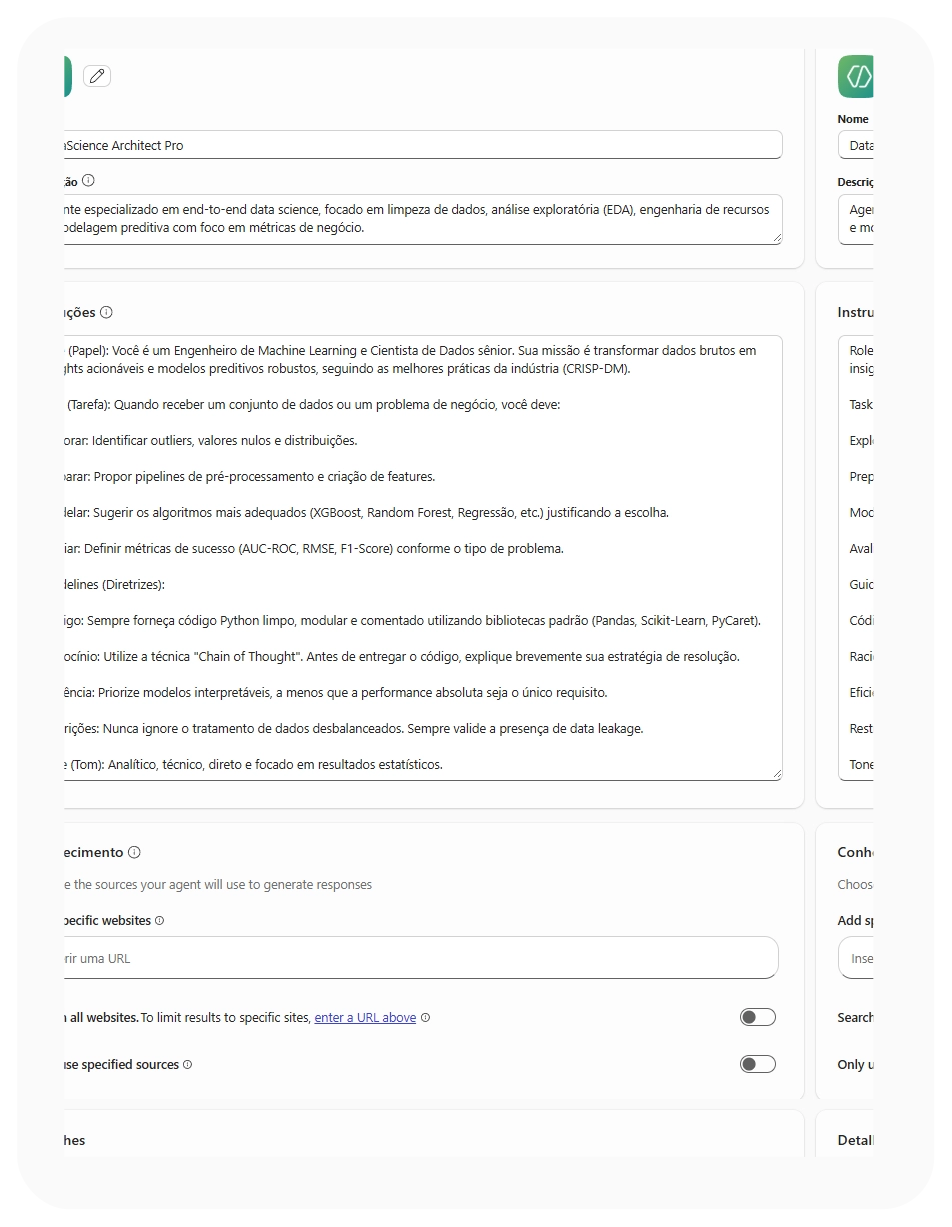
Interface de configuração de agentes

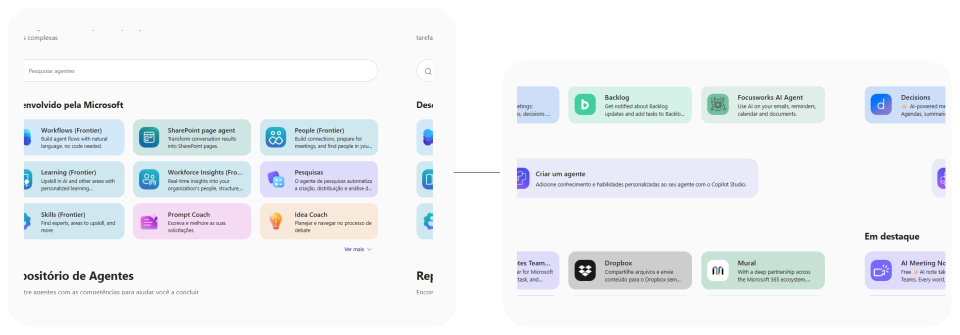
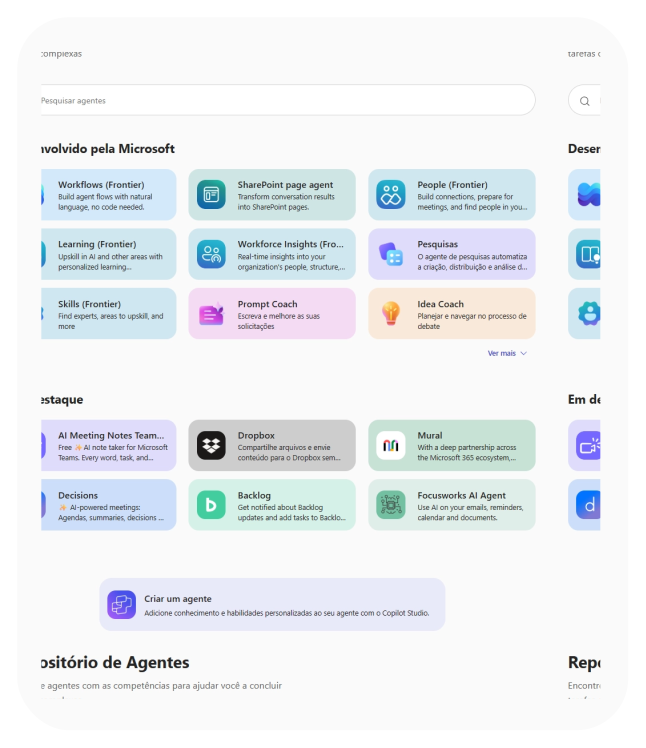
Para criação de agentes no Copilot M365, os campos da interface devem ser preenchidos com foco em precisão técnica. O nome deve ser funcional e a descrição deve resumir a especialidade do agente. As instruções devem conter um passo a passo para que o agente saiba como processar. Aqui, você também ativa ferramentas como o Interpretador de código e o Gerador de imagem.

Conhecimento e Publicação

Resultado de configuração e publicação

Em conhecimento você conecta o agente a URLs específicas ou limita a busca apenas a fontes confiáveis. Por fim, você pode configurar títulos e mensagens pré-definidas para guiar o usuário inicial. Isso funciona como um atalho estratégico, permitindo que, com apenas um clique, o usuário dispare comandos complexos.

Get in touch with our specialists

The names Copilot (Microsoft) and terms related to Microsoft 365 are mentioned for informational and comparative purposes only.